10x Your Coding Speed with Claude Code
I recently started using Claude Code after using Cursor for more than a year. The speed difference is real — Claude Code has genuinely changed how I build software.
One complaint I hear constantly is that people burn through their token limits too fast. I'm on the $20 plan and it works perfectly for moderate coding tasks. If you're a heavy user, the $100 plan is there — but even then, without the right approach, you'll hit that ceiling too.
In this article I'll walk you through how to use Claude Code efficiently by managing your context window well. The less context you waste, the more you can build before hitting a limit.
Setup
If you're new to Claude Code, download it from the official website: Claude Code
Once installed, access it from your terminal by running the claude command.
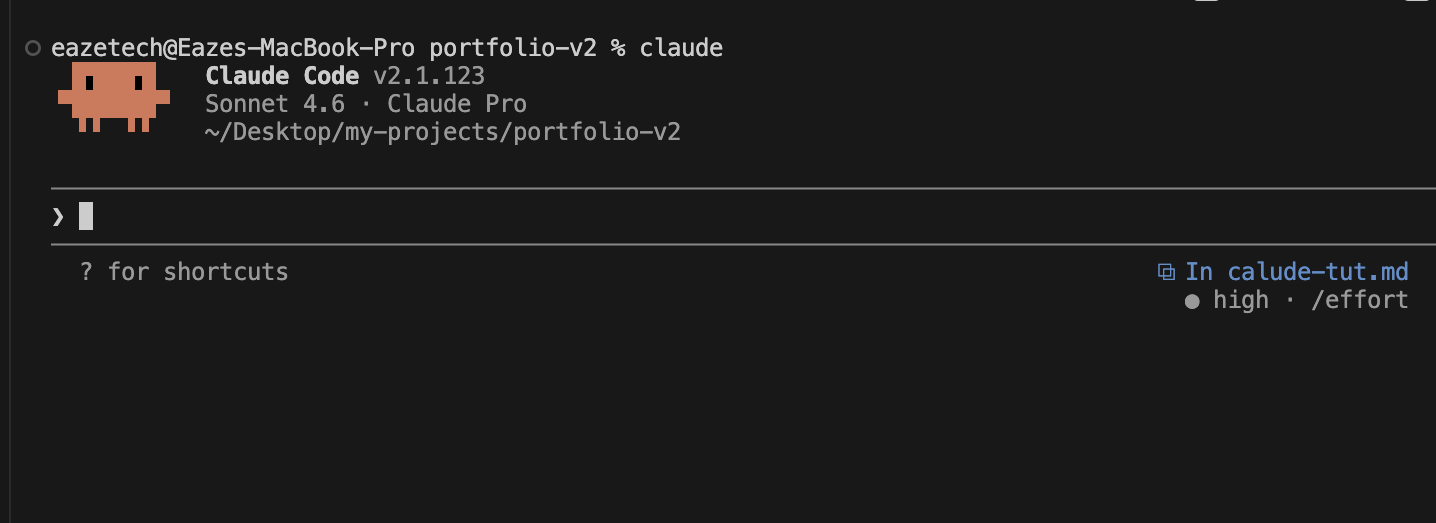
With Claude set up, let's talk about the patterns that will make you actually fast. These patterns apply to any AI coding agent — not just Claude.
CLAUDE.md — The Brain of Your Project
Before writing any code, create a CLAUDE.md file at the root of your project. This file is loaded into every Claude session automatically, giving it context without you having to re-explain things each time.
A good CLAUDE.md includes:
- Commands — how to run, build, and test the project
- Architecture overview — key folders, data flow, important files
- Naming conventions — file naming, component patterns, API structure
- Libraries and tools — specific packages Claude should use or avoid
Think of it as onboarding documentation for Claude. The better it is, the less time you spend re-explaining your project in every chat.
Starting a New Project
Before writing a single line of code, list down all core features of your MVP in a markdown file. Keep it simple — just enough to satisfy the MVP, nothing more.
Here's a real example from an application portal I built:
- Applicants can sign in / sign up
- Applicants can fill out forms and upload required files
- Applicants can track their application status
- Admins can review and update application statuses
- Admins can export applications to Excel
Once you have that list, give it to Claude with this prompt:
@features.md Help me find gaps and refine these features. Ask clarifying questions.
Claude will ask the right questions and help you tighten up the scope before you start building.
Plan Mode
After refining the features, enter plan mode using the /plan command.
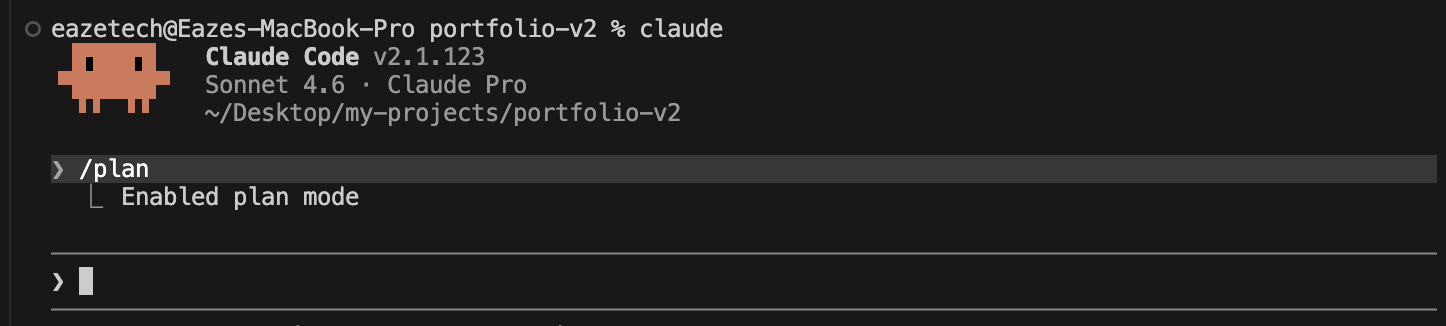
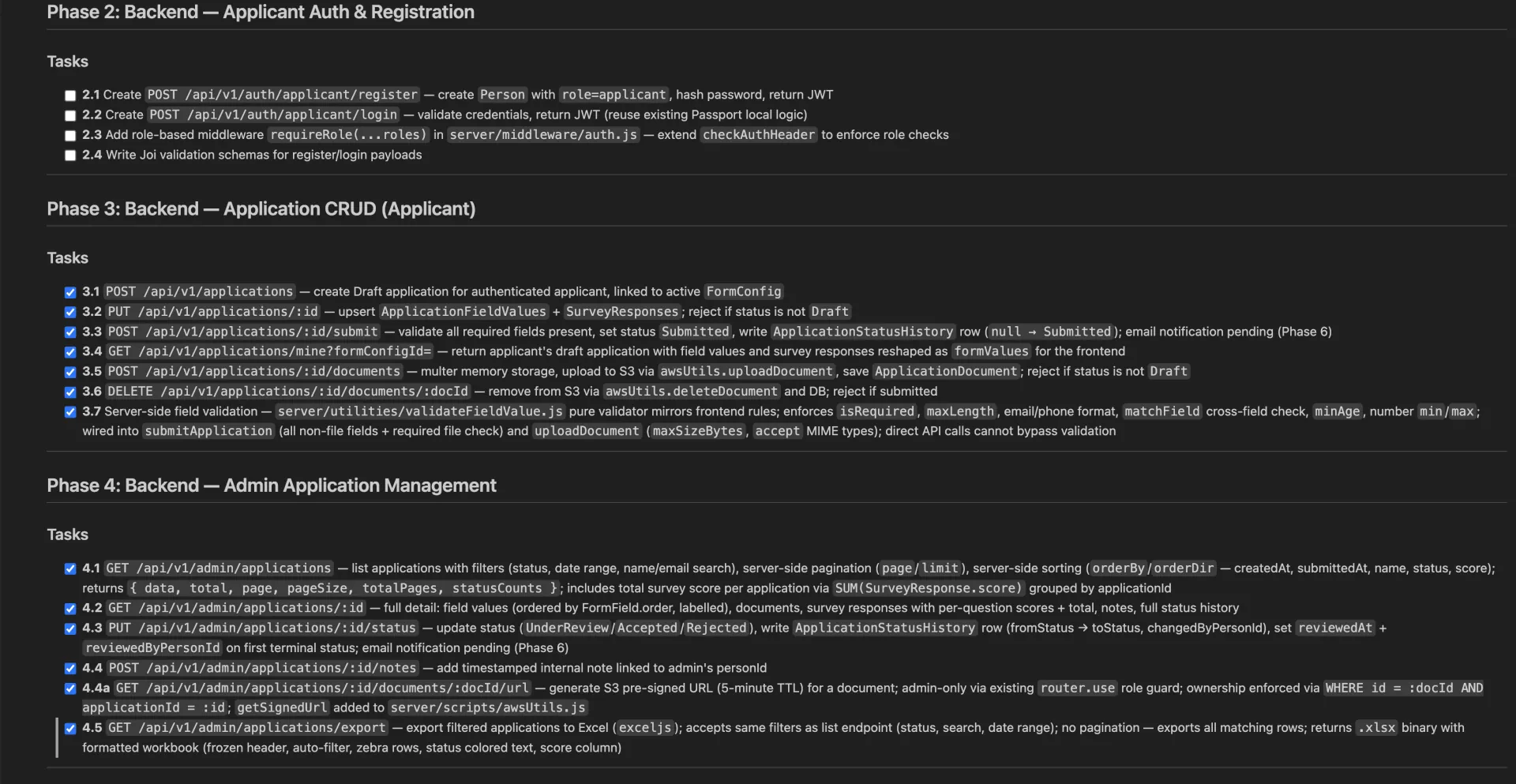
Plan mode lets you create a full implementation plan without writing any code. Ask Claude to break the features into phases and tasks. A good plan looks like this (from one of my real projects):
One Task Per Chat
This is the single most important habit. Pick one task from your plan and open a fresh chat for it. Do not pile multiple tasks into one conversation.
When a chat grows long, Claude spends tokens re-reading its own context instead of writing code. Keep tasks small and focused:
- Instead of:
"Build the complete auth system" - Say:
"Build the backend routes for email/password login and signup"
Specific, scoped prompts = faster output and fewer tokens wasted.
Watch Your Context
Use the /context command to see how much context you've consumed in the current session. I start a new chat when I hit 60–70% usage.
There's also a /compact command that summarizes the conversation to free up space — but compaction itself burns tokens, so it's a tradeoff. The cleaner approach is to just keep tasks short enough that you don't need it.
Working on an Existing Project
Claude works just as well on existing codebases. Start a fresh session and run:
Explore this project and create a CLAUDE.md file for it. Give a summary of the key features and architecture.
Claude will read the codebase and produce a solid overview you can refine. Once that's in place, use the same patterns above — plan mode, one task per chat — to add new features cleanly.
SubAgents — Parallelizing Your Work
SubAgents are one of Claude Code's most powerful and underused features. Instead of doing everything sequentially in one session, you can spin up separate agents to handle tasks in parallel.
How to Create a SubAgent
The easiest way to create a SubAgent in Claude Code is with the /agents command.
Type /agents in your Claude session and it opens the agents panel where you can create a new agent, give it a name, and define its task. Each agent runs independently with its own context — completely separate from your main session.
You can also spin up a subagent without leaving your session by asking Claude directly:
Use a subagent to write unit tests for src/services/auth.ts using Jest.
Or run a one-shot agent from a separate terminal using the -p flag:
claude -p "Write Jest unit tests for src/services/auth.ts and save them to src/services/__tests__/auth.test.ts"
A great use case: writing tests. Testing is often the first thing developers skip because it feels like it slows you down. With SubAgents, you can write your feature code in one session and delegate test writing to a parallel agent simultaneously.
Example: Writing Unit Tests with a SubAgent
Let's say you just built an authentication service. In your current session, type:
You are a test engineer. Read the auth service in src/services/auth.ts and write comprehensive unit tests for it.

Cover:
- Successful login with valid credentials
- Failed login with wrong password
- Failed login with a non-existent user
- Token generation and expiry
- Password hashing correctness

Use Jest and mock the database layer. Write the tests to src/services/__tests__/auth.test.ts.
That agent runs independently while you continue building the next feature in your main session. When it finishes, you review and merge.
Example: Writing End-to-End Tests with a SubAgent
For E2E tests using Playwright or Cypress, give the agent a user-flow description rather than implementation details:
You are a QA engineer. Write Playwright end-to-end tests for the application sign-up flow.

The flow is:
1. User visits /signup
2. User fills in name, email, and password
3. User submits the form
4. User is redirected to /dashboard with a welcome message

Write the tests to e2e/auth/signup.spec.ts. Use the existing Playwright config in playwright.config.ts.
The key is giving the SubAgent a clear, isolated scope — just like any other Claude chat. It doesn't need to know about your whole application, just the slice it's responsible for.
When to Use SubAgents
- Writing tests for code you just built
- Generating documentation or changelogs
- Reviewing code in a separate context (unbiased second pass)
- Handling a completely independent feature that doesn't touch your current work
SubAgents let you treat Claude more like a team than a single assistant. You stay in flow on your main task while routine but important work gets handled in the background.
Conclusion
The core insight is simple: Claude Code is powerful but context is finite. Treat every chat as a sprint — small, focused, and completed. Use CLAUDE.md to eliminate repeated setup. Use plan mode to think before you build. Use SubAgents to parallelize work that would otherwise block you.
With this approach, I haven't hit a token limit once. I build faster and the output is cleaner. The tool isn't the bottleneck — the workflow is.